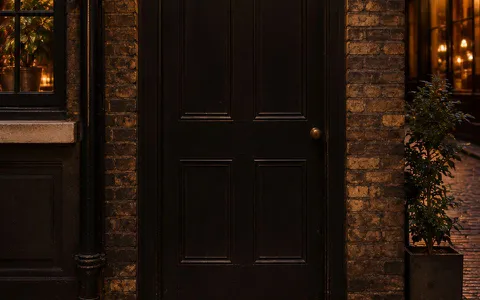
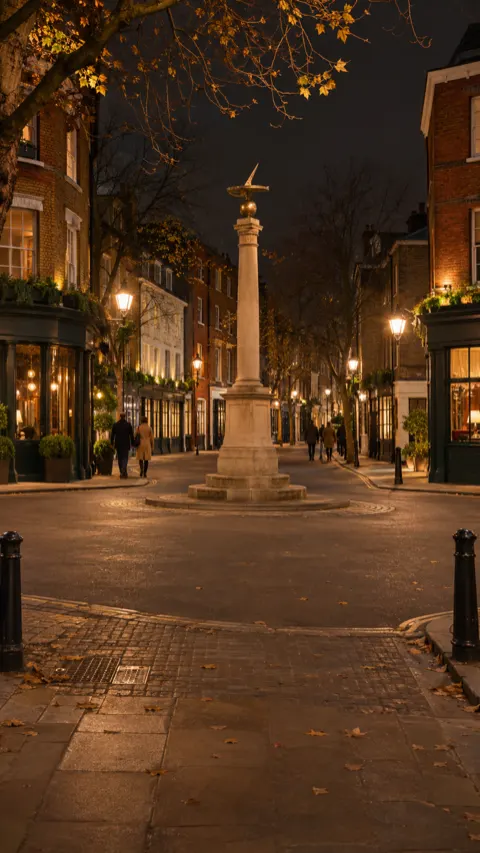
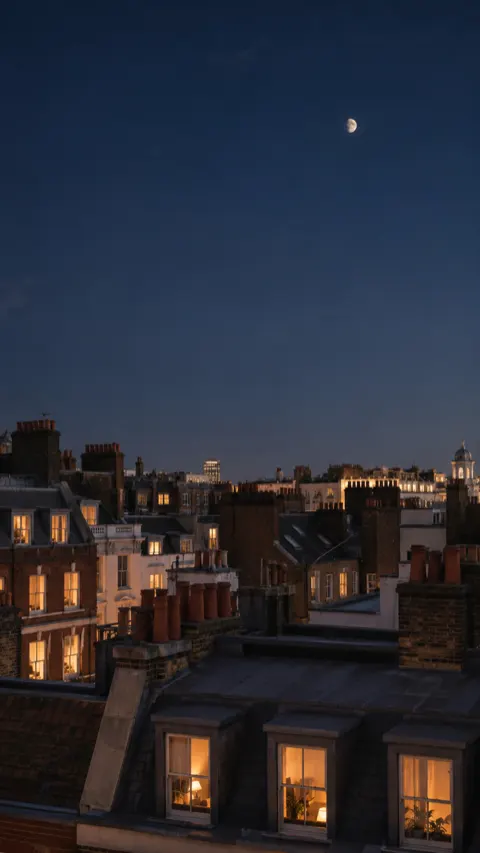
Tonight
An evening for two
- AperitifCork & Carafe
- DinnerTrattoria Lupa
- DrinkHidden Lantern
An example in London. Yours uses real places near you.
New Plan Tonight · Maveon
Pick how tonight should feel. Maveon plans three stops near you, with times, a walking route and a reason for every place. Only places that are open when you get there.
Free on iPhone · AI writing with Pro


Your Saturday night
Wine, pasta and a secret bar
Start with natural wine in Soho, have fresh pasta round the corner and finish behind an unmarked door. Written by AI
An example evening in London. Yours uses real places near you.
17:38Step 1 · You choose
Pick a mood. Maveon turns it into a whole evening: where you eat, where you go next and how you walk there.
Tonight
An example in London. Yours uses real places near you.
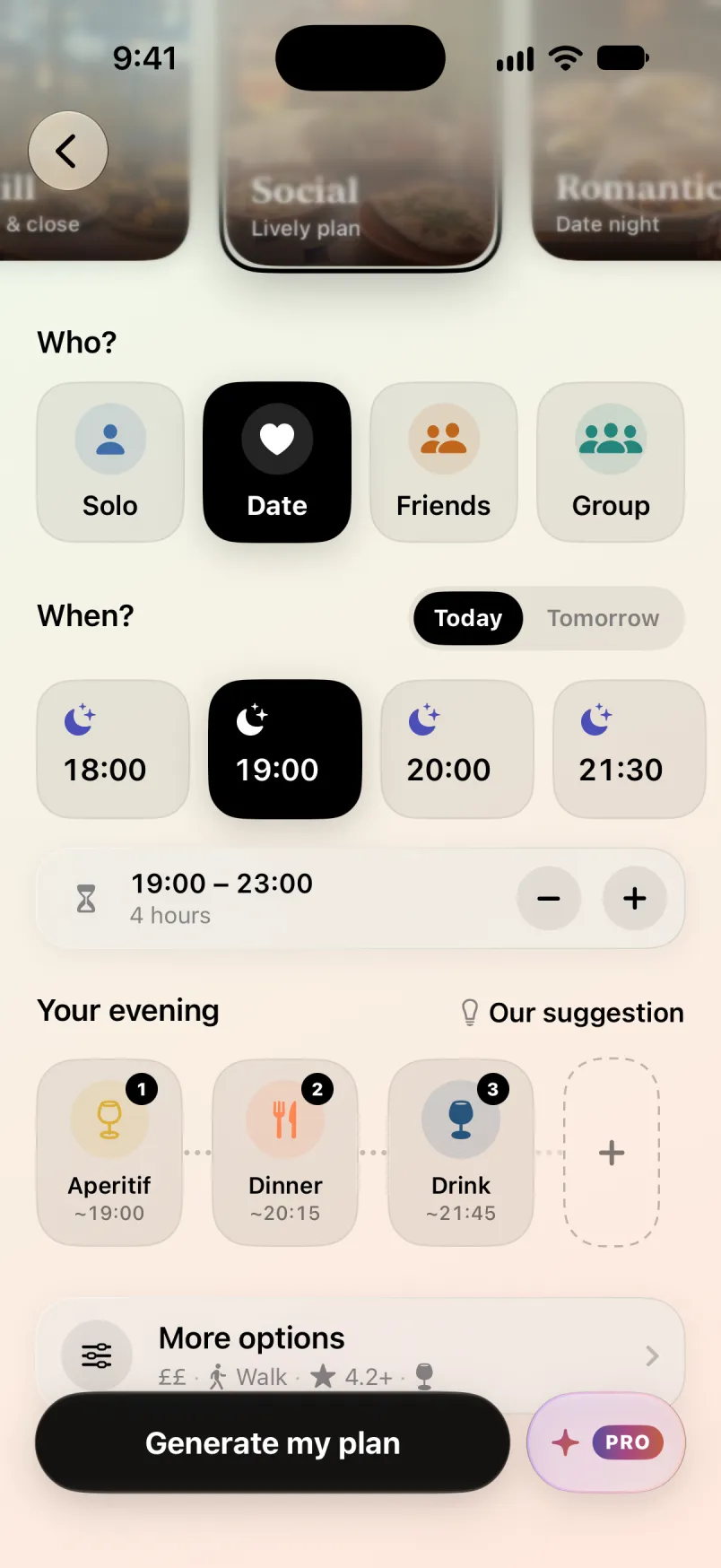
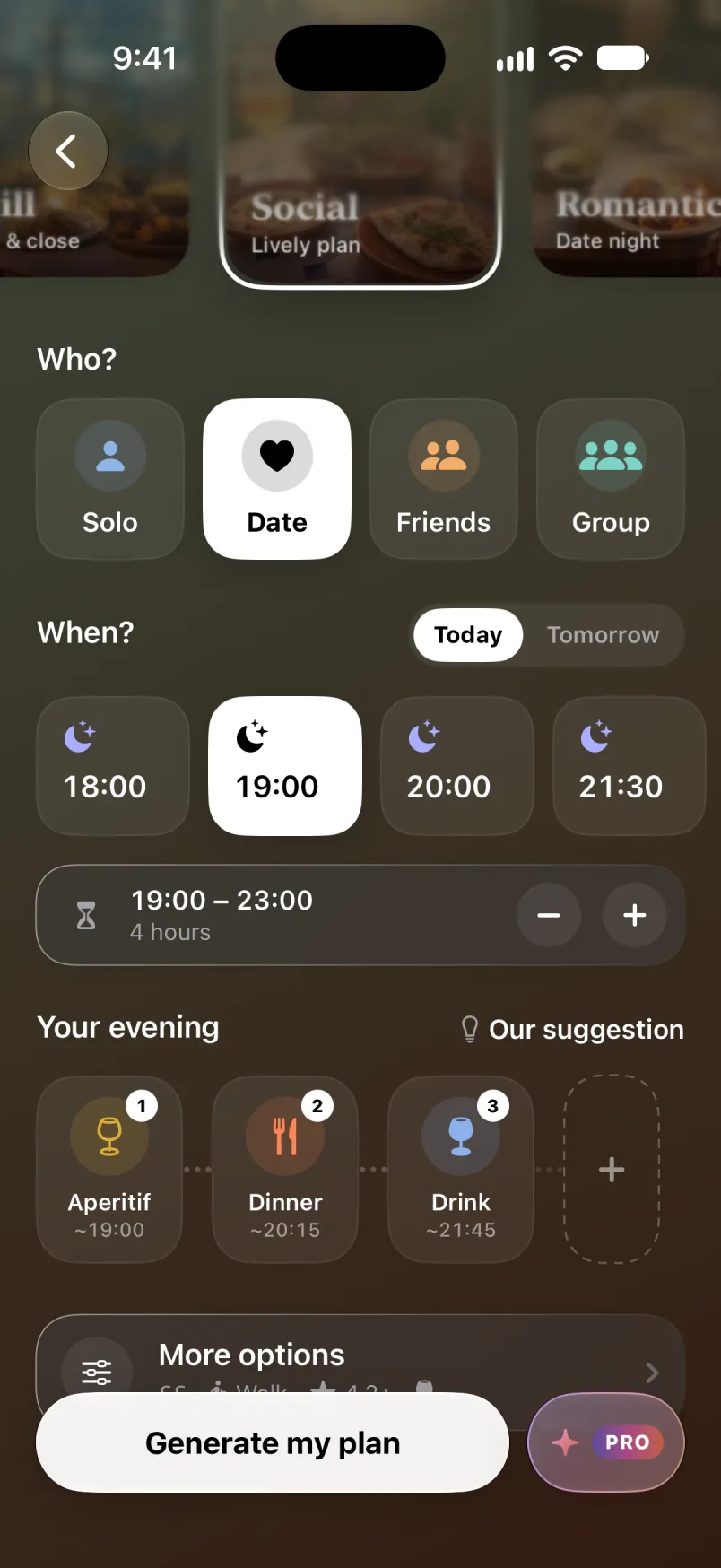
17:41Set the scene
Solo, a date, friends or a group. Pick a time for tonight or tomorrow night, set how long the evening lasts, and see roughly when each stop begins.
Each time shows the sky it falls in: sun, the sunset with tonight’s actual time, or night. Then 19:00 – 23:00 · 4 hours, longer or shorter with − and +.
Numbered stops on a dotted route, each with roughly when it starts: aperitif, dinner, a drink, a walk, dessert. Add one, move one, or tap ‘Our suggestion’ for the evening we’d pick right now, from the day, the weather and what you like.
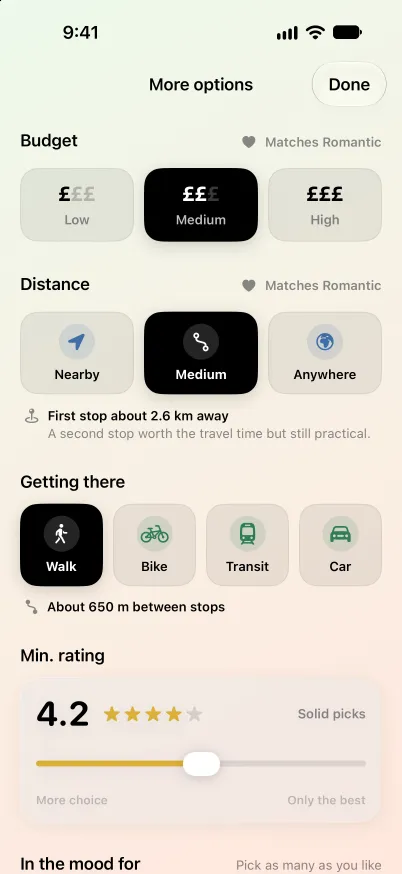
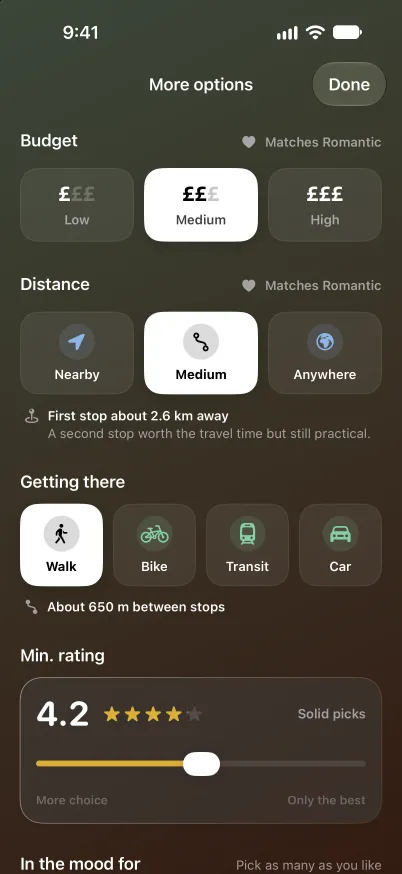
Budget, distance and how you get there (walk, bike, transit or car), a minimum rating, what you’re in the mood for, and saved places or new finds. Budget and distance follow your mood until you change them.
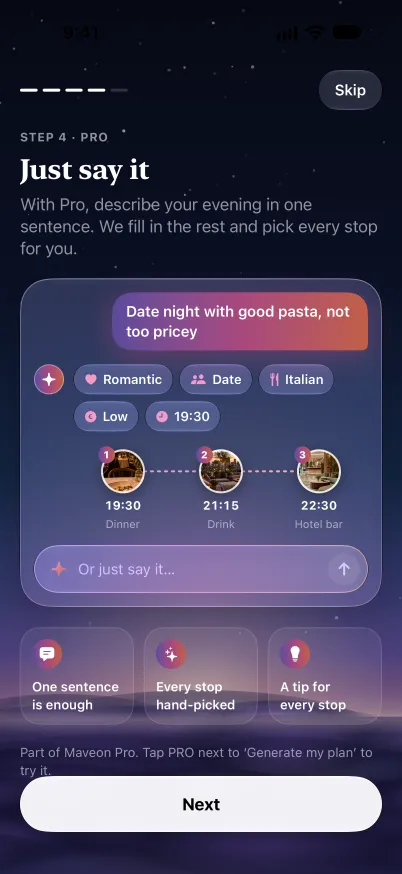
17:41PROIn your own words
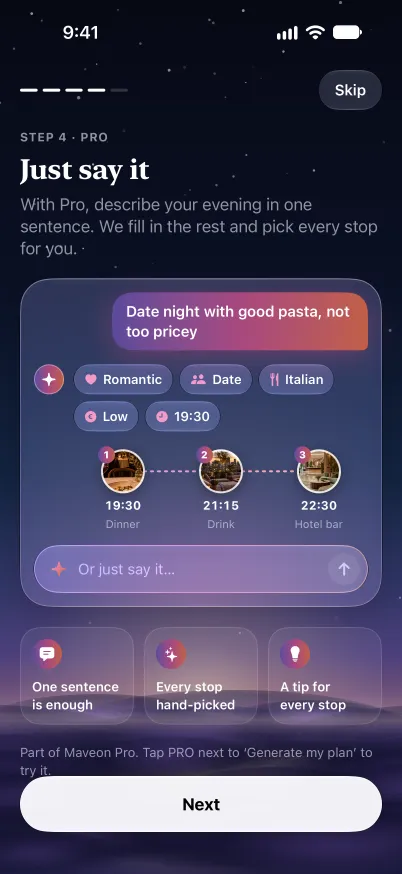
Tap PRO next to Generate my plan and describe your evening the way you’d text a friend. The AI reads it and sets the rest: mood, who, budget, time, even the stops. You see exactly what changed, and keep it or undo it.
And then it writes your evening
With Pro, the AI also chooses each stop from the planner’s best options for your words. Without Pro the planner is exactly the same, and free for everyone.
Explore Maveon ProWhat are you in the mood for tonight?
Example sentences
17:42Step 2 · We search
We look at everything nearby and keep only what fits your mood, is open when you get there and is close together. In seconds, with the real numbers on screen, not a spinner.
Not just “open now”. Every stop is checked against its opening hours at the time you’ll arrive, so the 21:25 bar is still open at 21:25.
Rain on the way? The walk becomes something indoors. A warm evening finds you a terrace. Weather by Weather.
Places you saved, and places like the ones you save, get a head start. Ones you went to recently can stay out.
17:43Step 3 · Your evening
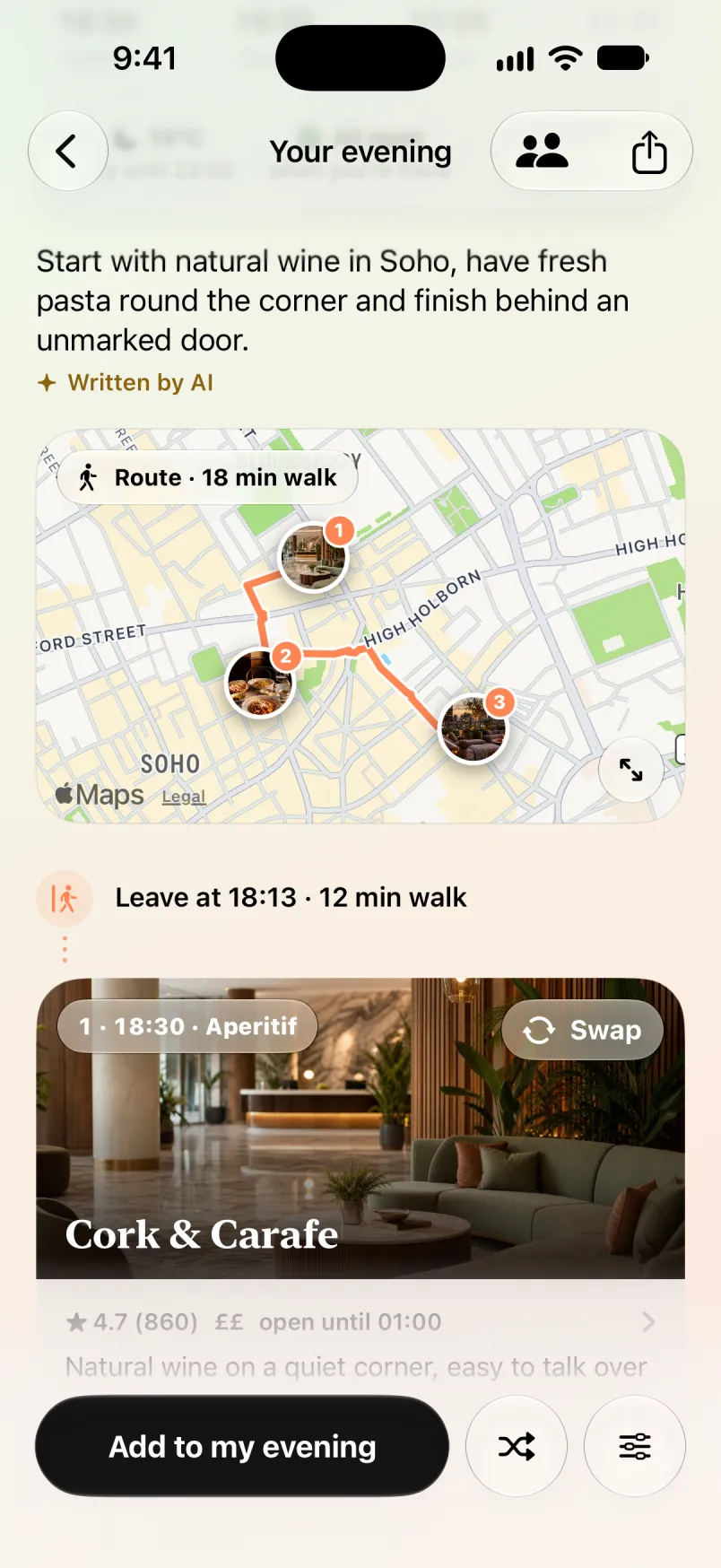
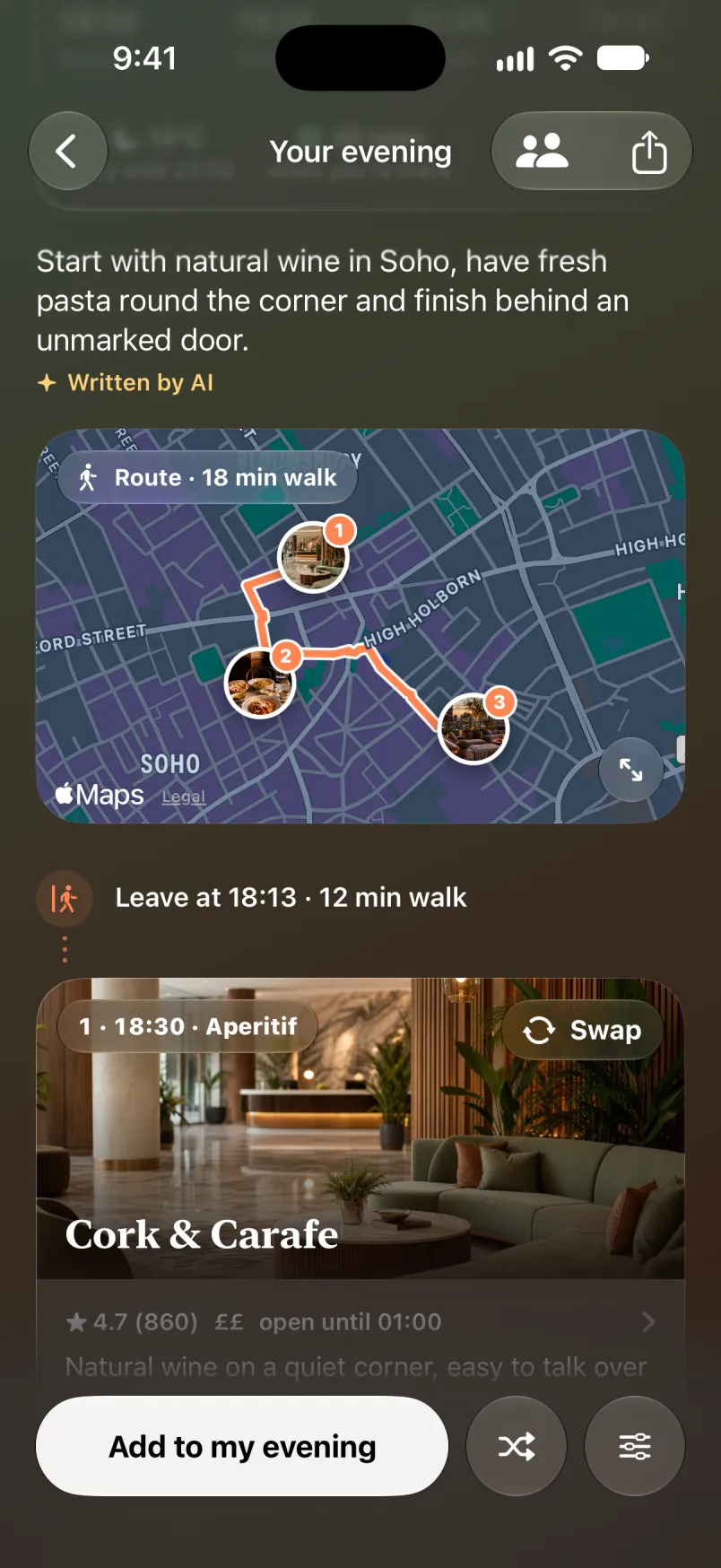
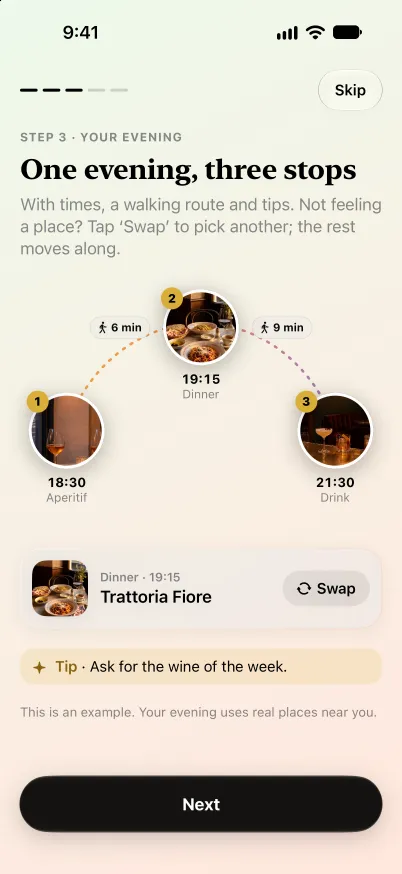
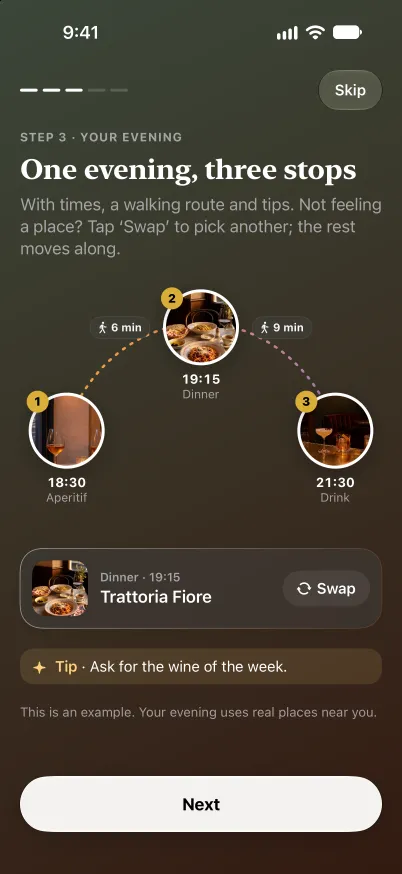
The whole evening at a glance: the times, the minutes between stops and the sunset. Under it the weather, whether everything is open and the match; then every stop as a chapter, with why it was picked and a tip.
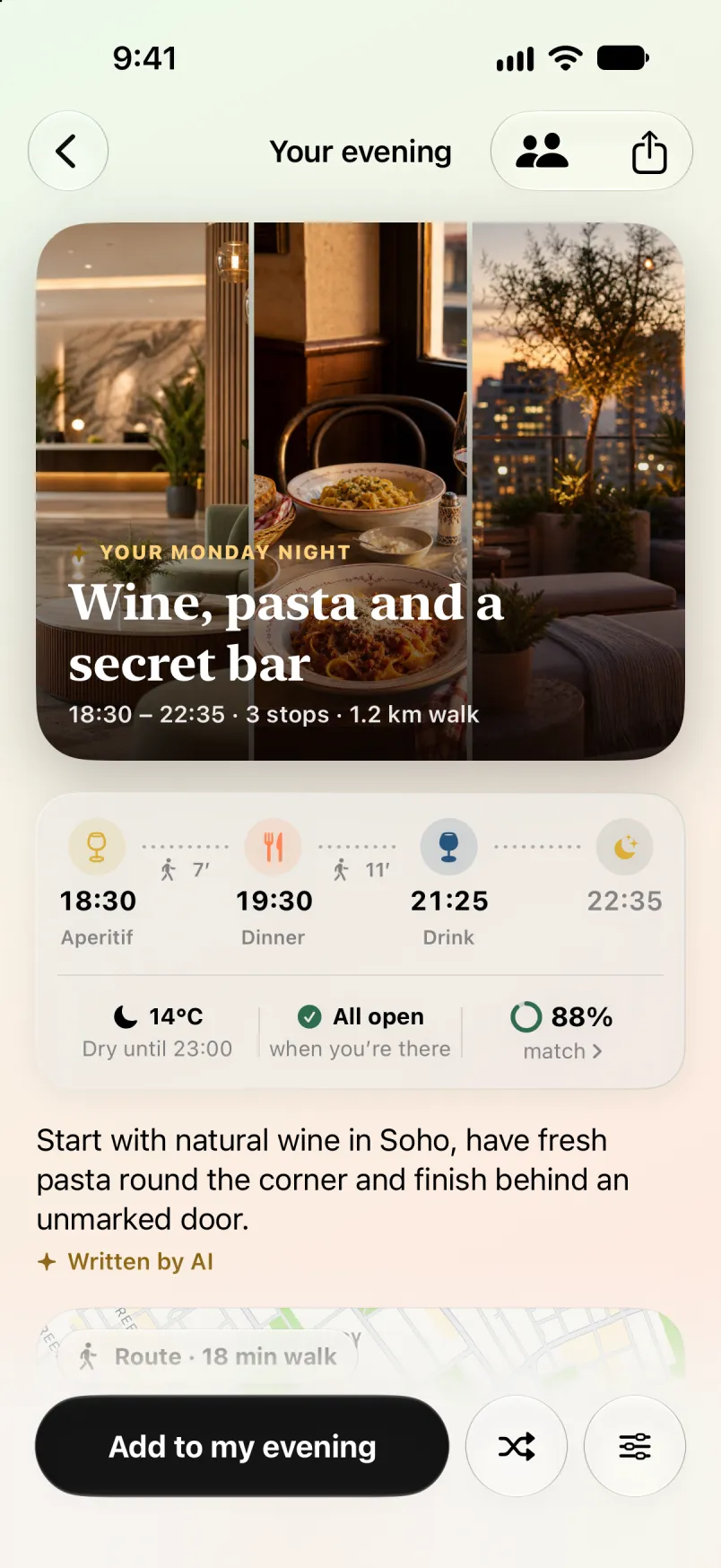
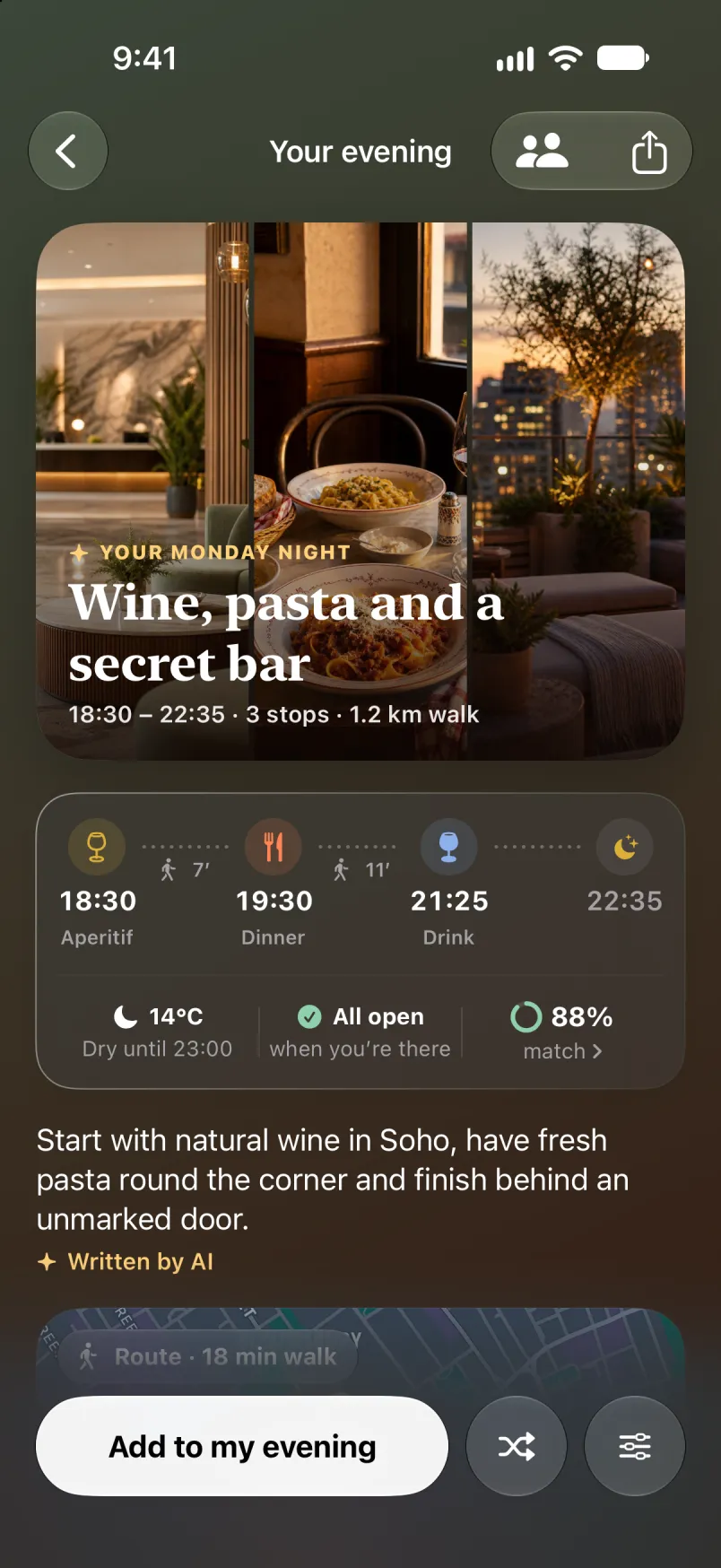
Your Saturday night
Start with natural wine in Soho, have fresh pasta round the corner and finish behind an unmarked door.
Written by AI
88% match
For each stop, how well it does on what matters tonight. Dinner counts most.
StrongestLess strong · Also weighed: weather, diet, accessibility and whether a place is new to you.
17:44Not feeling a place?
Swap shows the next-best places for that stop, already fetched, so it’s instant. Each one says what would change in plain words: cheaper, closer, better rated, open later.
Adjust · Not quite right? Shift the whole evening in one tap.
Try it
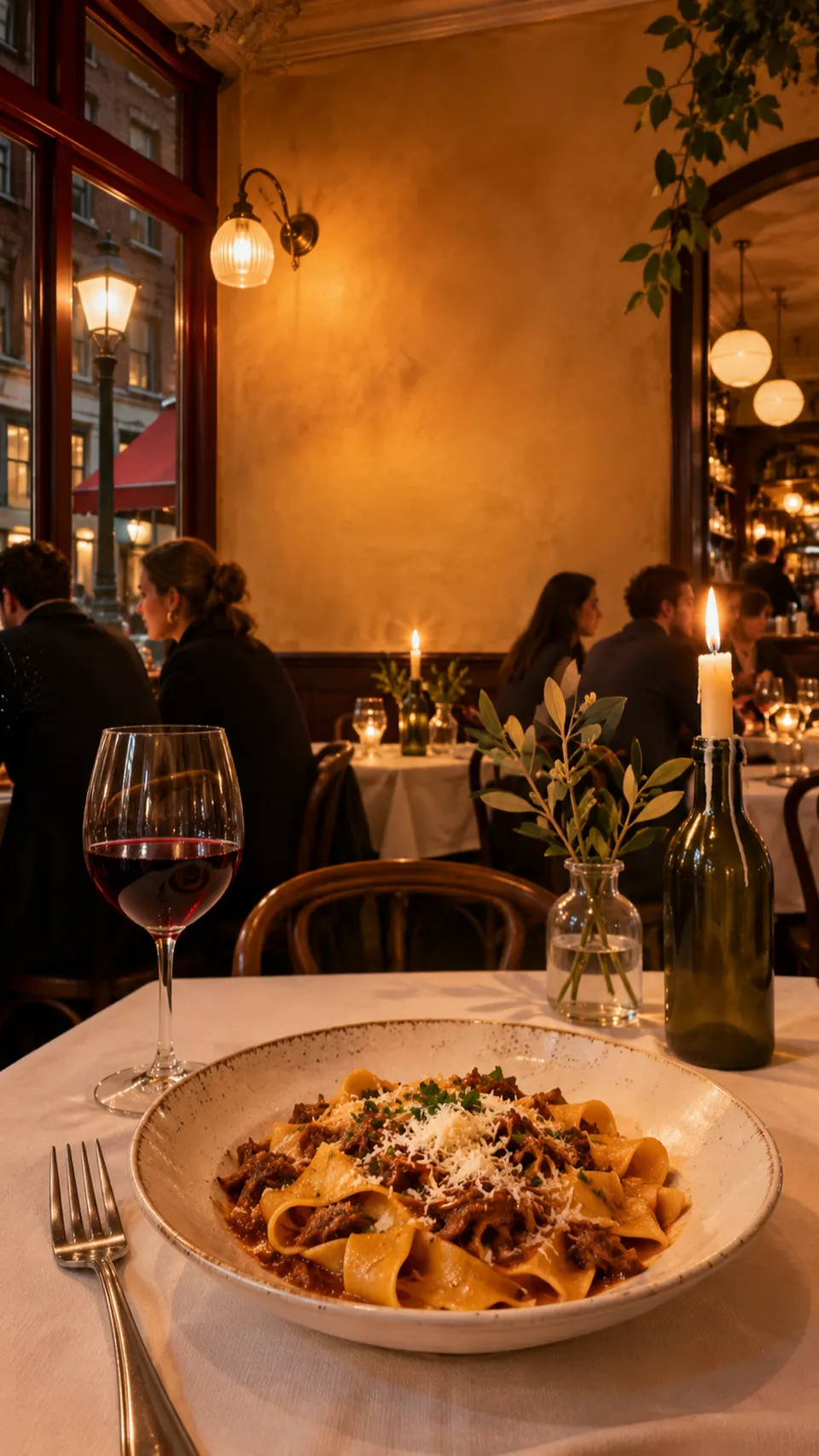
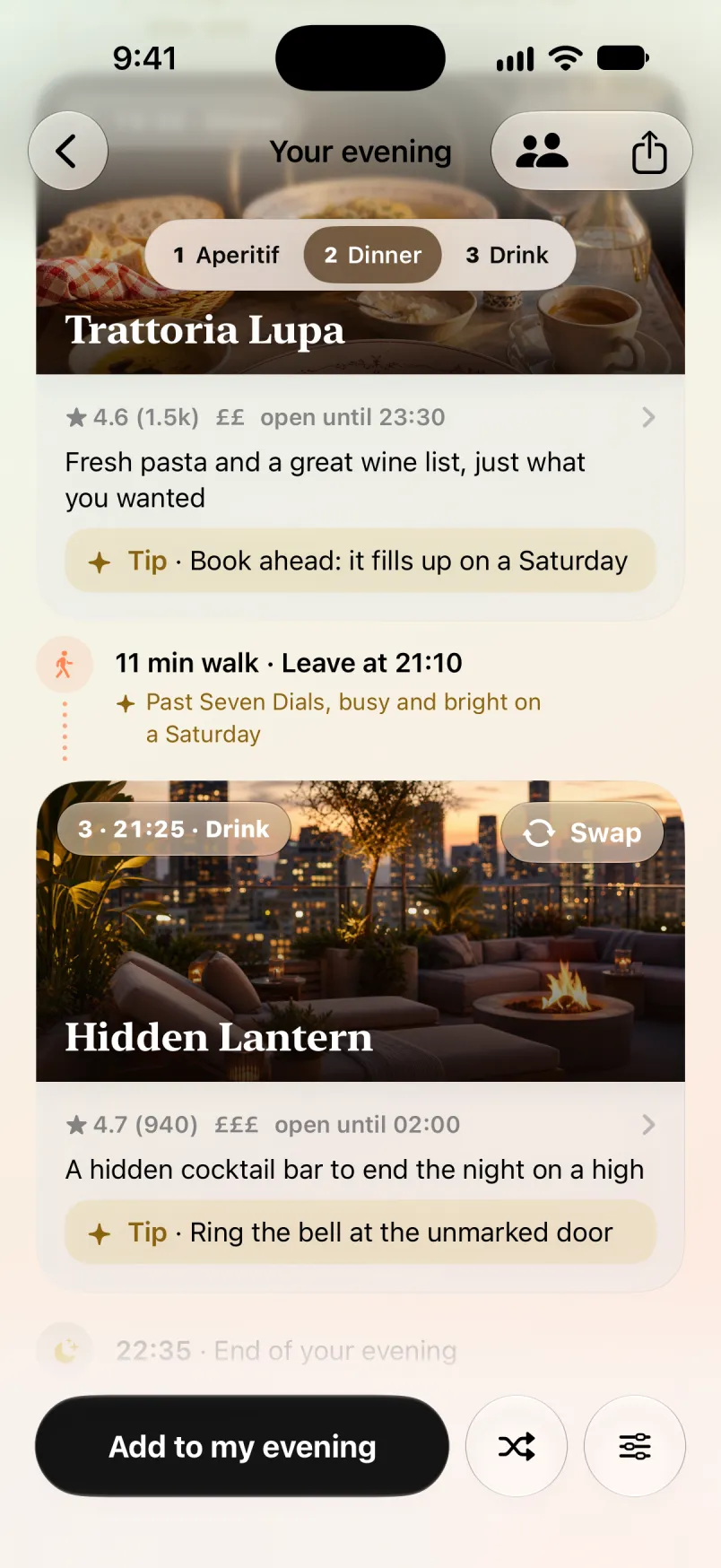
Stop 2 · Dinner
Fresh pasta and a great wine list, just what you wanted
Stop 2 · Dinner · 19:30
Now: Trattoria Lupa
The stops around it move along if they’re no longer close by.
17:46Together
Can’t decide for everyone? Put the best options for tonight in your trip’s group chat as a poll. Pick two to four places as photo cards, choose the group, send. Everyone votes right there.
The question is written for you: “Where are we eating tonight? (19:30)”.
Any trip with a group chat. No group yet? ‘Share’ saves the evening as a plan and invites friends to it, as editors or viewers, or with a link.
Where are we eating tonight? (19:30)
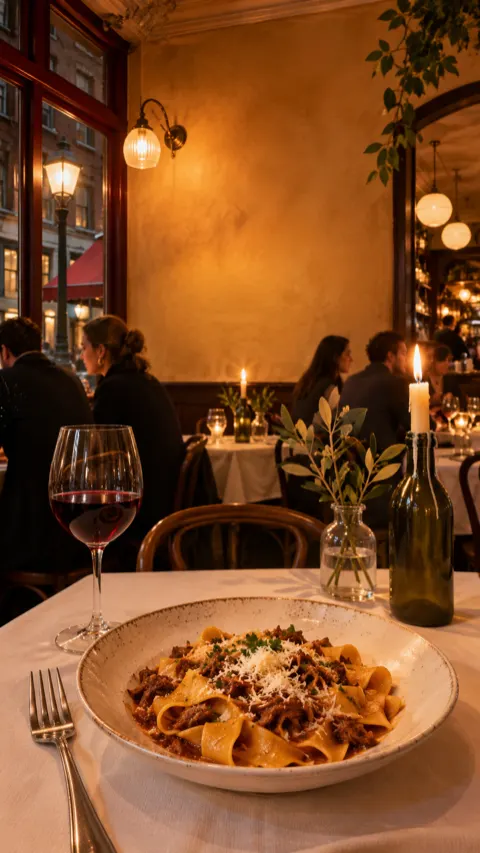 Trattoria Lupa★ 4.6 · ££ · in your plan0
 The Copper Fig★ 4.7 · £££0
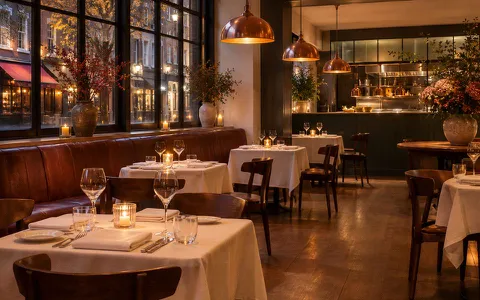 Marlowe’s Bistro★ 4.4 · ££0
Poll with 3 options in the group chat
Lupa!! I’ve wanted to go there for ages
Copper Fig looks amazing though
Lupa it is. Booking for 19:30 🍝
18:00Tonight
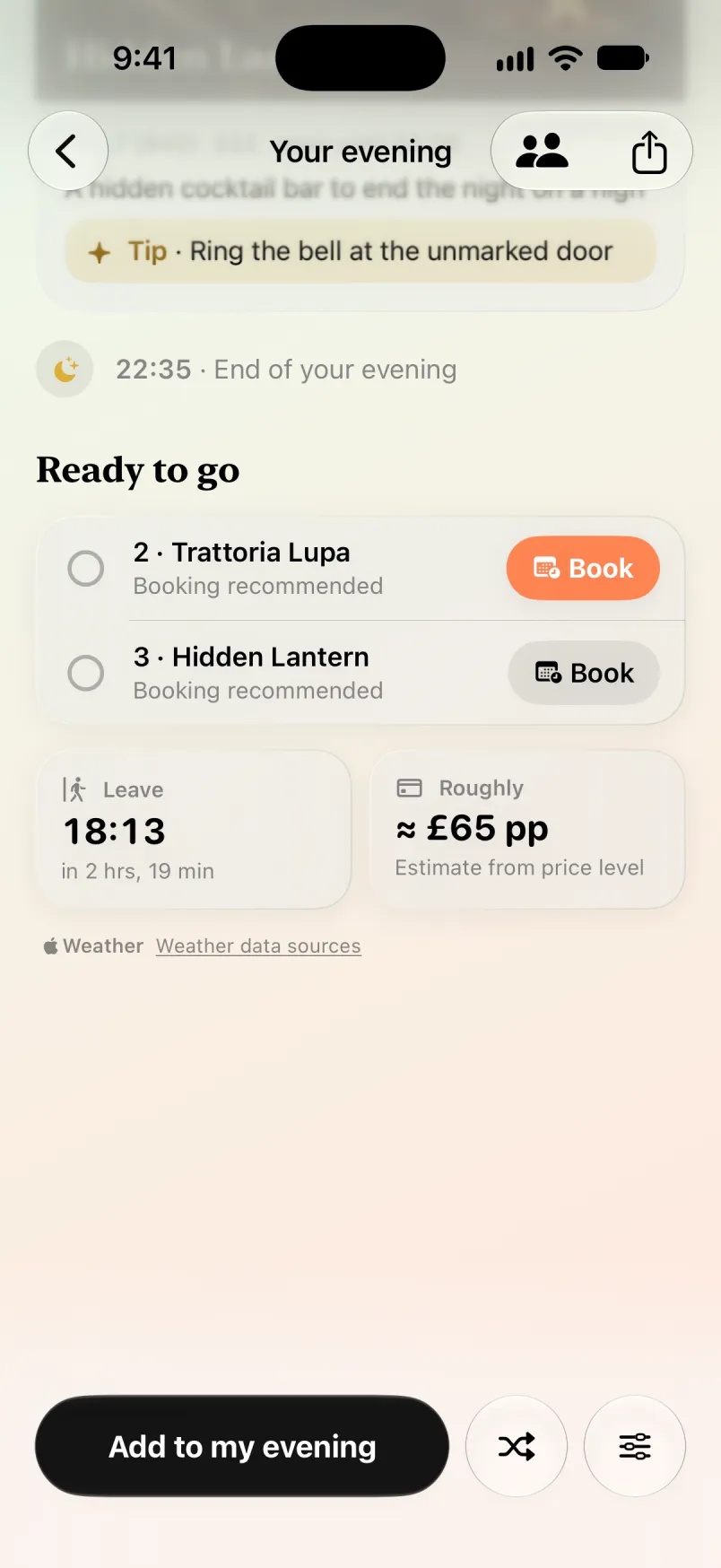
Add it to your evening and it keeps time for you: when to leave, the way there and what’s next. A nudge ten minutes before it’s time to go, and the walk between stops already worked out. Both reminders can be switched off in Settings.
From where you are now. The first walk is on the map too.

Stop 1 · Aperitif
Natural wine on a quiet corner, easy to talk over
Tip · Ask for the sparkling wine of the week
Through the back streets of Soho, lit up after dark

Stop 2 · Dinner
Fresh pasta and a great wine list, just what you wanted
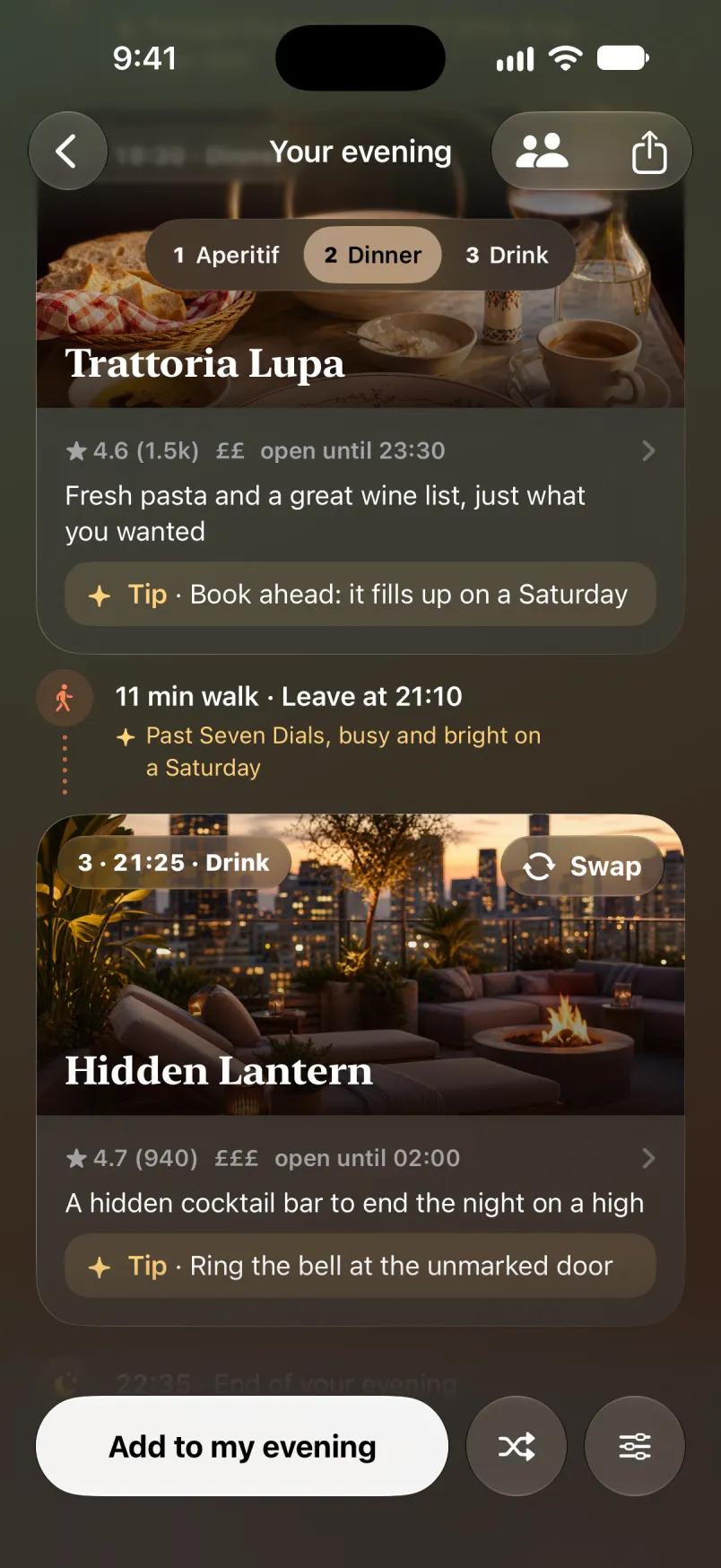
Tip · Book ahead: it fills up on a Saturday
Past Seven Dials, busy and bright on a Saturday


Stop 3 · Drink
A hidden cocktail bar to end the night on a high
Tip · Ring the bell at the unmarked door
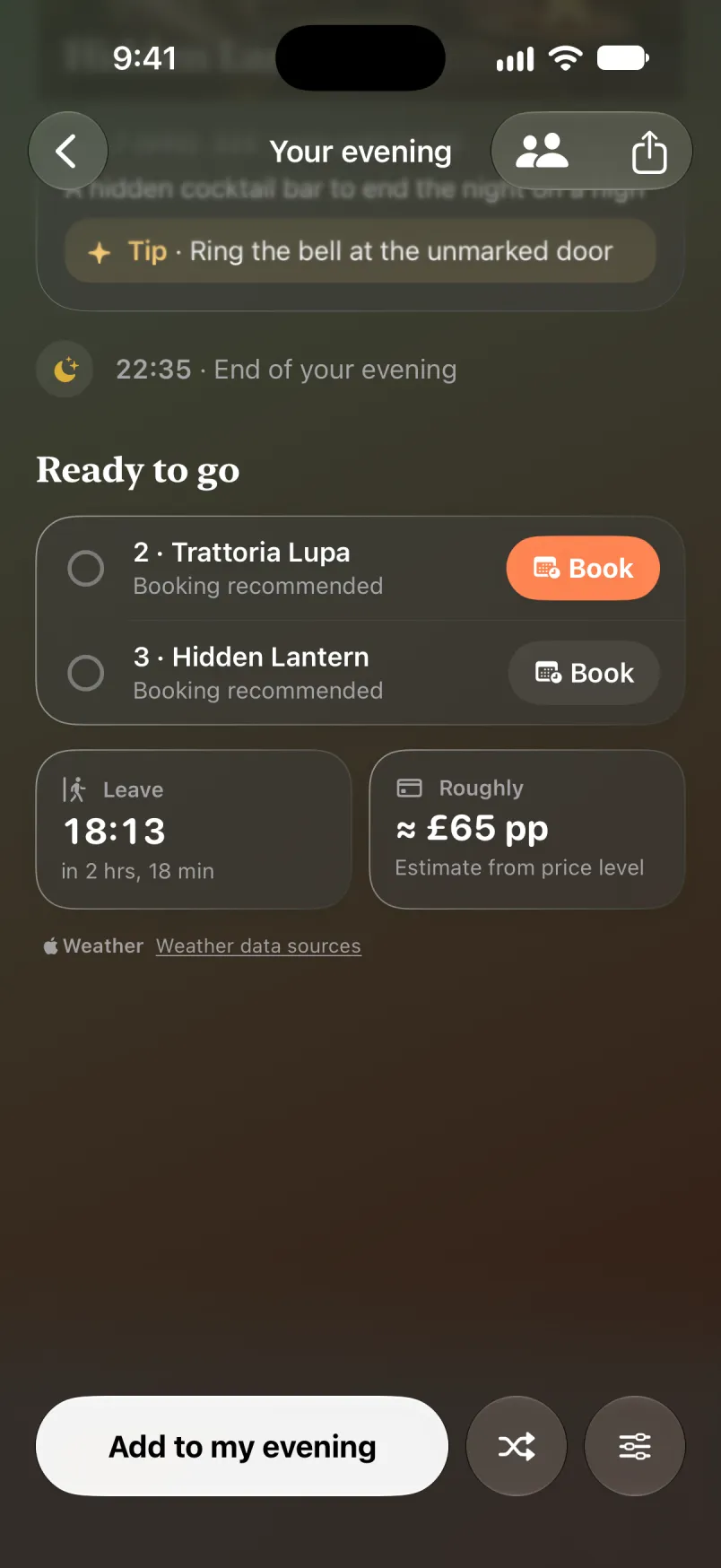
Ready to go
Weather · the weather in your plan comes from Apple Weather
Gold is written by AI, with Pro. Without it, every stop still gets its reason from the planner.
HomeBefore, during and after
Plan Tonight lives on Home as a photo of tonight that follows the moment: Catch the sun at golden hour, One more drink? late at night, Another one like that? the morning after an evening you liked, Hello, weekend on a Friday afternoon. On the night it tells you when to leave and what’s next; the morning after, a thumb per stop makes the next evening better.
Tonight · 14°C · dry until 23:00
Now · stop 2 of 3
Trattoria LupaSave room for the tiramisu
Next: Hidden Lantern at 21:25
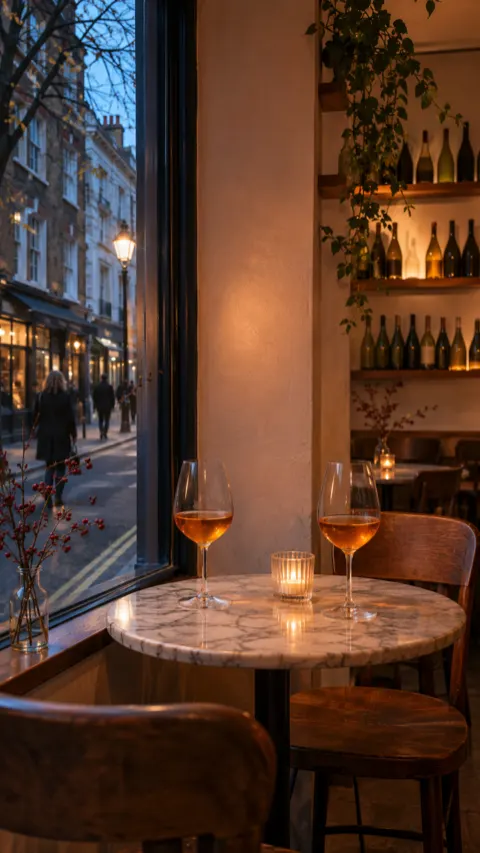 Cork & CarafeTrattoria Lupa
 Hidden Lantern
A thumb per stop makes your next evening even better.
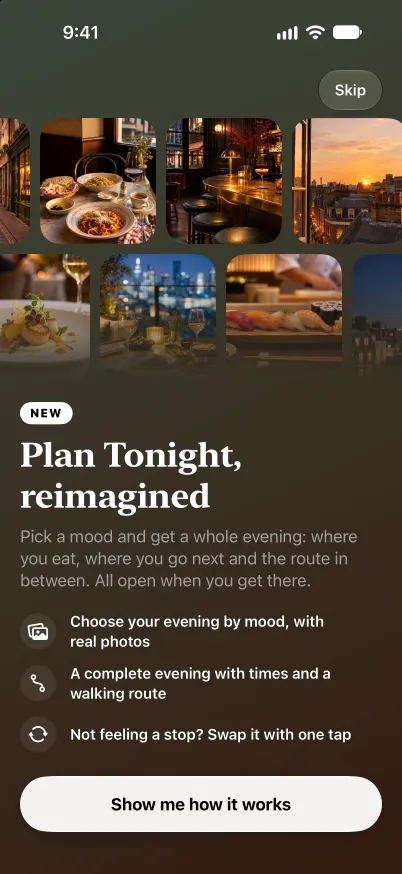
NewThe first time you open it
Five short steps that explain it by doing it: pick a mood from real photos, watch the search, try Swap once, see what Pro makes of one sentence, and you’re ready, with your mood already filled in. Always skippable.
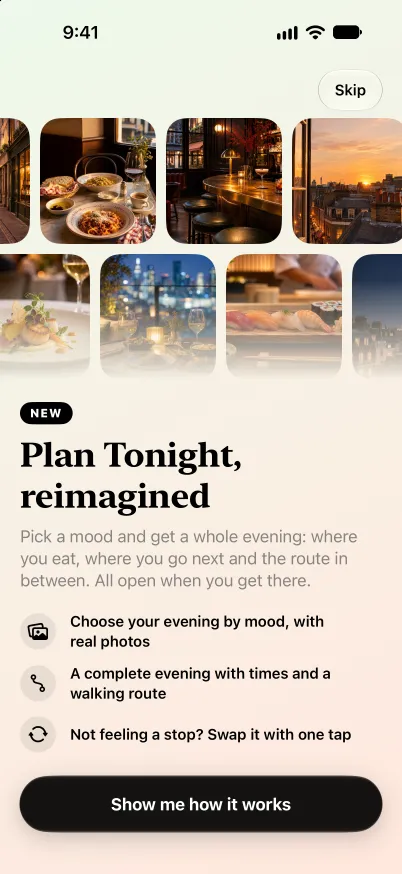
Plan Tonight · Maveon for iPhone
Pick a mood and get a whole evening. The planner is free for everyone; the AI writing comes with Pro.
Find it on Home, or in Plans next to Quick create, AI Planner and Templates.